AI-Powered
Packaging Design.
Describe your product, brand, and style. Our AI creates custom box designs with dielines and 3D mockups. Refine with annotations, hand off to expert designers, and place manufacturing orders.
Packaging Design for Every Industry
Our AI understands industry-specific requirements, compliance needs, and design trends. Not generic design — specialized packaging intelligence.
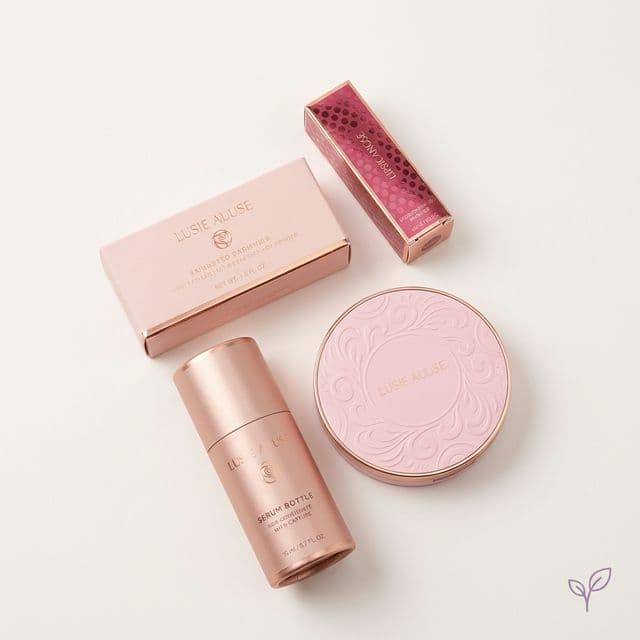
Cosmetics & Beauty
Luxury aesthetics, INCI compliance, spot UV, foil stamping
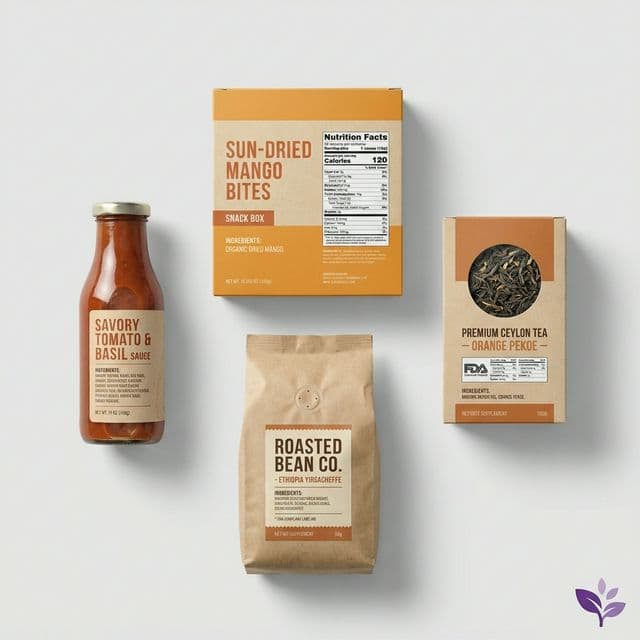
Food & Beverage
FDA nutrition facts, ingredient lists, allergen callouts
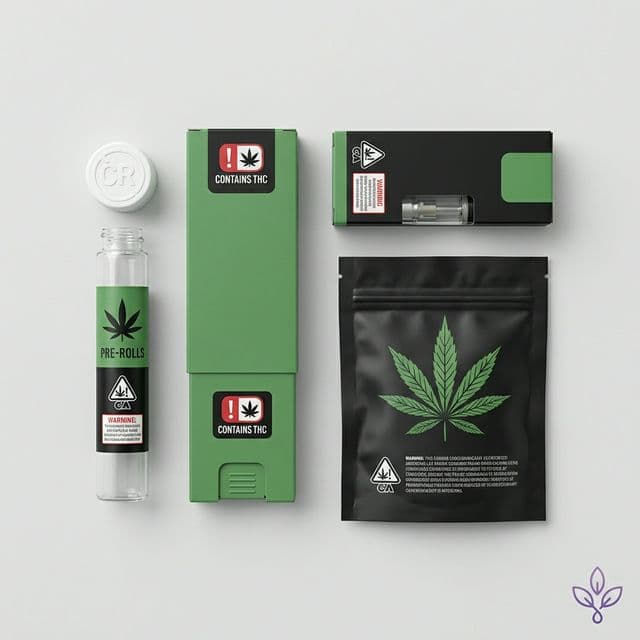
Cannabis
Child-resistant design, state compliance, THC warnings
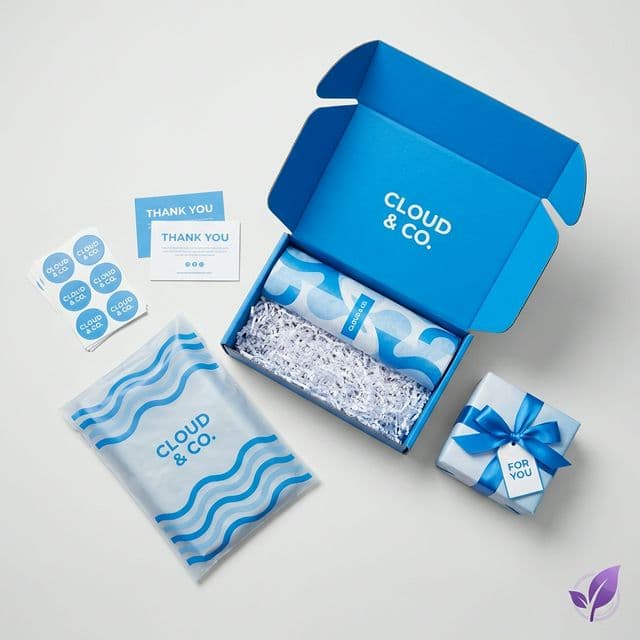
E-commerce
Unboxing experience, branded mailers, cost optimization
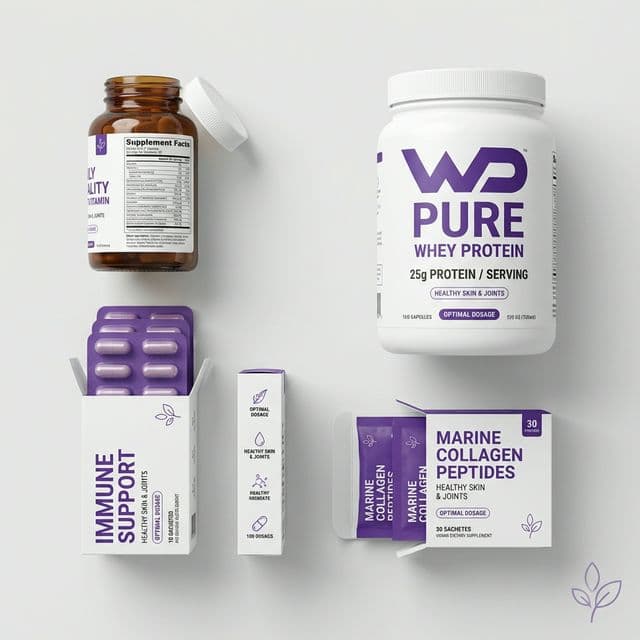
Supplements
Supplement facts panels, dosage info, health claims
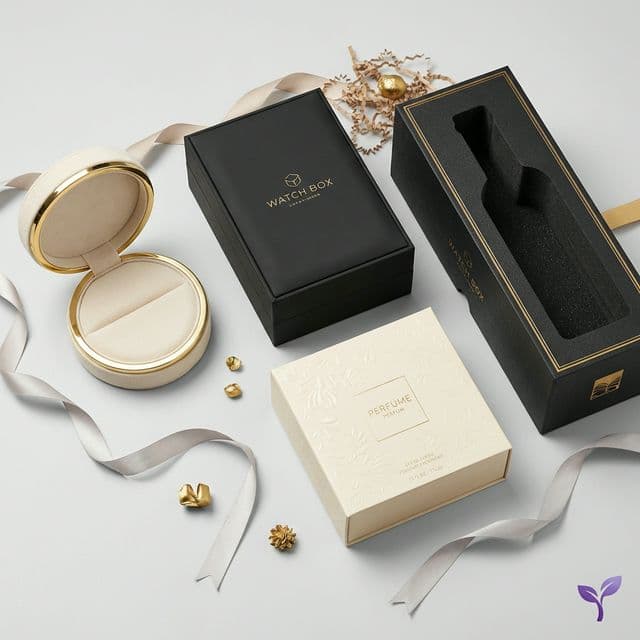
Luxury & Premium
Rigid boxes, embossing, premium finishes, inserts
From Idea to Production Order
6 seamless steps. AI consultation to production quote. All tracked, all connected.
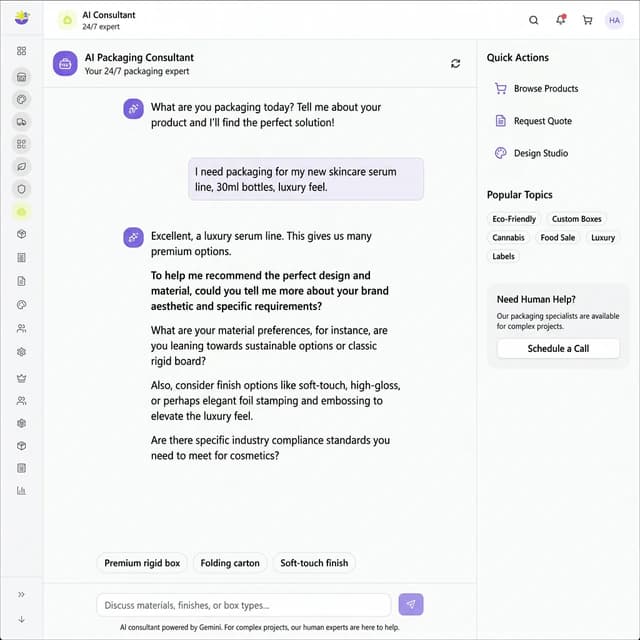
Automated Consultation
Chat with our Design Intelligence
Tell our system about your product, brand, and style preferences. It asks smart questions and builds a comprehensive design brief automatically.
One Generation. Everything You Need.
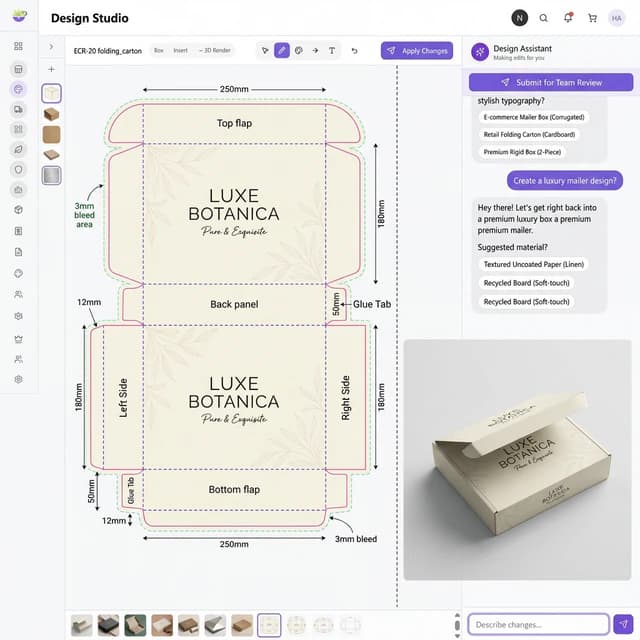
Every AI generation produces a composite image with both your print-ready dieline AND 3D preview — 100% consistent design across both views.
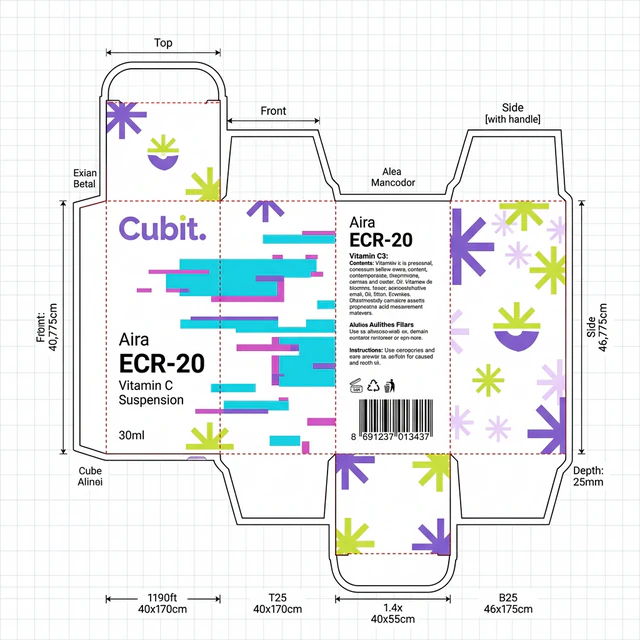
Print-Ready Dieline
All panels laid flat — front, back, sides, top, bottom. Fold lines (dashed), cut lines (solid), glue tabs, and dimension annotations in mm. 3mm bleed included.
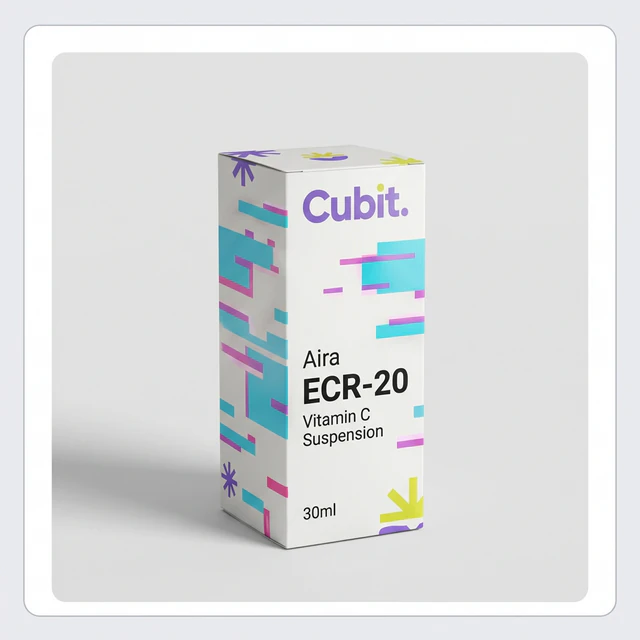
3D Preview
See your assembled box instantly. The exact same design from the dieline, wrapped onto a 3D product shot. Perfect for quick validation.
100% Consistency
Both views are generated together. No mismatch between your flat template and 3D mockup. What you see is what you print.
Everything You Need to Design & Refine
View modes, annotation tools, and specialized AI knowledge — all built into one powerful design studio.
Dieline View
Print-ready flat template with fold lines, cut lines, dimensions, and bleed areas. Ready for production.
3D Mockup
Assembled box preview showing how your design looks on the finished product. Perfect for presentations.
Full 3D Render
High-resolution photorealistic render for marketing materials, websites, and social media.
Insert View
For multi-component packaging — view and edit inner trays, dividers, and inserts separately.
Submit for Review
Click submit and add any notes for the design team
Designer Assigned
A professional packaging designer is assigned to your project
Chat & Collaborate
Real-time messaging with your designer
Approve or Revise
Review changes, request modifications, or approve
Create RFQ
Generate production quote with your quantities
Order & Track
Place order and track production in Cubit Flow
Automation delivers 90%. Experts perfect it.
When you're happy with your automated design, submit it for professional review. An expert packaging designer is assigned to your project. Chat with them, request changes, approve the final version, and create production quotes — all within the same interface.
Common Questions
Everything you need to know about the Design Studio.
How does the AI design consultation work?
You chat with our AI Senior Packaging Design Director — a specialized design intelligence that understands your company (loaded from your account), industry, and brand colors. It asks about your product, packaging preferences, and design style, then generates a comprehensive design brief. Once ready, it creates your packaging in under 60 seconds.
What exactly is the 'composite output' I'll receive?
Each generation creates a single high-resolution image (2K-4K) split into two parts: a print-ready DIELINE (flat template showing all panels with fold/cut lines and dimensions) on the left (70%), and a 3D PREVIEW showing the assembled box on the right (30%). Both show the exact same design — 100% consistent.
How do I make changes to my design?
You have two options: 1) Use the canvas annotation tools (draw, highlight, arrow, text) to mark up areas, then describe changes in chat — AI regenerates with your feedback. 2) Simply type what you want changed (e.g., 'make the logo bigger') and AI understands and applies the edit.
What are the 4 view modes?
Dieline (flat print template), 3D Mockup (quick preview from composite), Full 3D Render (high-res photorealistic render generated separately), and Insert View (for multi-component packaging with inserts/trays). Switch between them with one click.
Can I design boxes with inserts or multiple components?
Yes! Tell the AI you need a 'box with insert' or 'gift set with divider'. It generates both the outer box dieline AND the insert dieline separately. You can view and edit each in the Insert View mode.
How does the human designer handoff work?
When satisfied with your AI design, click 'Submit for Review'. A professional designer is assigned to your project. You can chat with them directly, they refine the design for manufacturing specs, and you approve or request changes. Once approved, create an RFQ to get production quotes.
Is there version history?
Yes! Every iteration is saved automatically. You can view all versions, switch between them instantly, and restore any previous version. Nothing is ever lost.
How do I order my packaging after design is complete?
Once you approve the final design, click 'Request Quote' to create an RFQ. Enter your quantity, add any notes, and submit. You'll receive pricing and can place your order — which then flows into Cubit Flow for production tracking.